 food store
 Ladies Fashion
 Ladies Bag
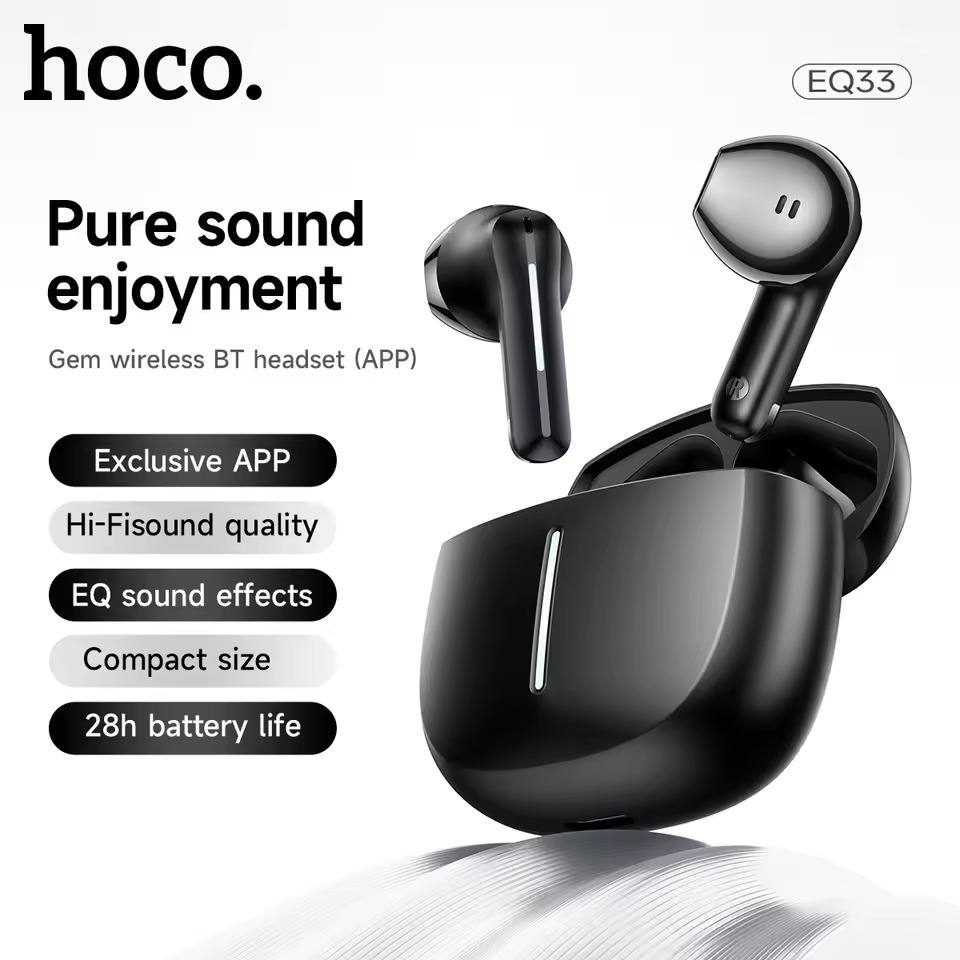
 Wireless Earbuds
 Router
6%
ছাড়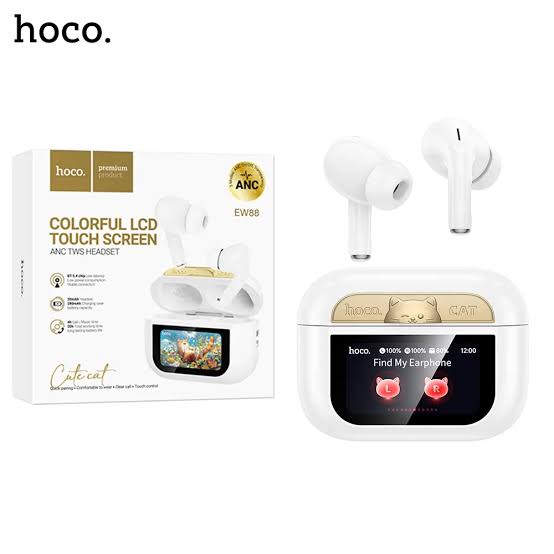
বিস্তারিত
Specifications Table
| Feature | Specification |
|---|---|
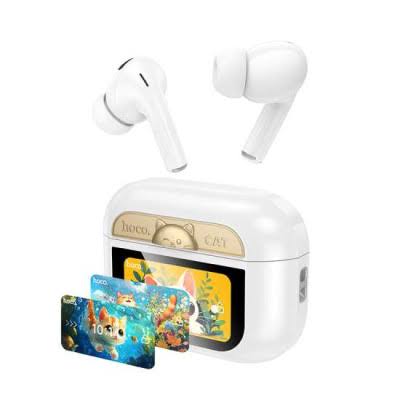
| Model | Hoco EW88 |
| Type | True Wireless ANC Earbuds |
| Bluetooth Version | Bluetooth 5.3 |
| Bluetooth Chip | JL AC7006F4 |
| ANC Depth | Up to -28dB |
| Driver Size | 10mm Dynamic Driver |
| Frequency Response | 20Hz - 20kHz |
| Impedance | 32Ω ± 15% |
| Sensitivity | 98dB ± 3dB |
| Earbud Battery Capacity | 30mAh (each) |
| Charging Case Battery Capacity | 300mAh |
| Music Playback Time (ANC Off) | Approx. 6 hours |
| Music Playback Time (ANC On) | Approx. 4.5 hours |
| Total Playback Time (with case) | Approx. 25 hours |
| Charging Time (Earbuds) | Approx. 1 hour |
| Charging Time (Case) | Approx. 1.5 hours |
| Charging Port | USB Type-C |
| Water Resistance Rating | IPX4 (Sweat and splash resistant) |
| Microphones | Dual Microphones with ENC |
| Controls | Intuitive Touch Controls |
| Voice Assistant Support | Yes |
| Earbud Dimensions | 32 x 22 x 23 mm (approx.) |
| Charging Case Dimensions | 60 x 48 x 28 mm (approx.) |
| Earbud Weight | 4.5g (each, approx.) |
| Charging Case Weight | 35g (approx.) |
| Total Weight | 44g (approx.) |
| Material | ABS + PC |
| Color Options | Black, White |
What's in the Box?
- 1 x Pair of Hoco EW88 True Wireless ANC Earbuds
- 1 x Charging Case
- 1 x USB Type-C Charging Cable
- 3 x Pairs of Silicone Ear Tips (S, M, L)
- 1 x User Manual
How to Use Your Hoco EW88 Earbuds
- First Time Pairing:
- Open the charging case. The earbuds will automatically power on and enter pairing mode.
- On your device (smartphone, tablet, laptop), go to Bluetooth settings and search for "Hoco EW88".
- Select "Hoco EW88" to connect. You'll hear a confirmation tone.
- Wearing the Earbuds:
- Choose the ear tips that provide the best seal and comfort.
- Insert the earbuds into your ears and gently twist them until they feel secure and comfortable.
- Touch Controls:
- Play/Pause: Single tap on either earbud.
- Next Track: Double tap on the right earbud.
- Previous Track: Double tap on the left earbud.
- Volume Up: Triple tap on the right earbud.
- Volume Down: Triple tap on the left earbud.
- Answer/End Call: Single tap on either earbud.
- Reject Call: Press and hold either earbud for 2 seconds.
- ANC/Transparency Mode Switch: Press and hold the left earbud for 2 seconds to cycle through ANC, Transparency, and Normal modes.
- Voice Assistant: Press and hold the right earbud for 2 seconds.
- Charging:
- Place the earbuds back into the charging case to recharge them.
- Connect the USB-C cable to the charging case and a power source to charge the case itself.
- The indicator lights on the case will show charging status.
Reviews (0)
Get specific details about this product from customers who own it.
This product has no reviews yet. Be the first one to write a review.